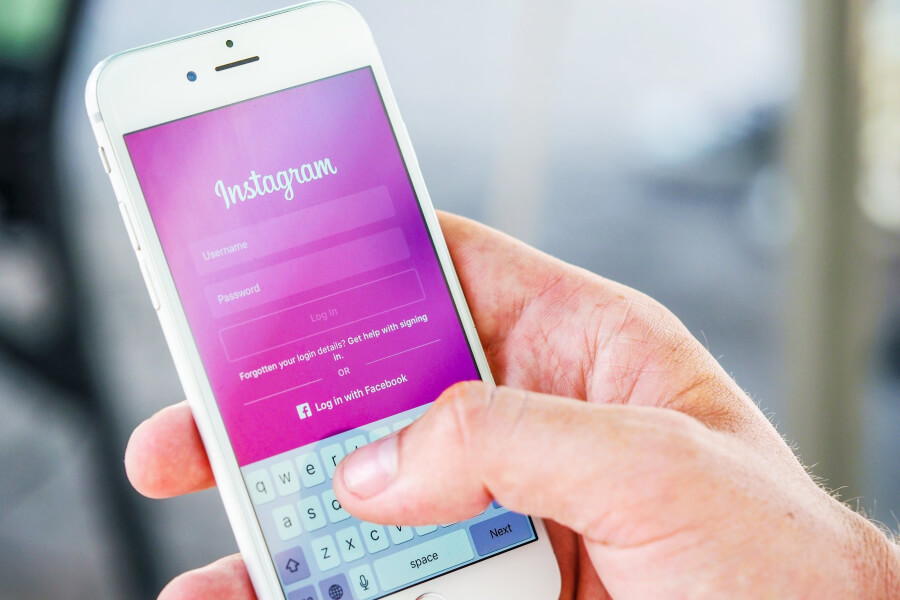
It’s really easy these days to forget your Instagram login credentials, it’s not a dumb thing to forget your email and password because the Instagram app will always sign you in automatically whenever you launch the app.
If you’re also using a browser, cookies are stored to ensure that you don’t need to type in your username, email, phone number, and password every time you want to access Instagram.
As a result of this, we tend to forget our login details, we end up forgetting the email address we’ve used during signup especially when we have multiple email addresses. For the phone number, it’s easier to remember since most of the time we have one mobile number.
Imagine spending months without using your login details to sign into Instagram, what will happen? You’ll end up forgetting your login details.
If you have multiple businesses or services and each has its own Instagram account, you’ll get confused as to which emails you have used for your business accounts.
If you also bought a business where you were giving the social pages, it can happen that the login details aren’t handed to you and in that case, you want to look for a way to log into the account and continue promotions.
You don’t really want to miss such pages especially when they have considerable followers and there is engagement on the profile.
Based on the reasons above, you can see that forgetting your login credentials is really easy, and that’s why it’s important to learn how to log into your Instagram account even if you lost or don’t remember the login details.
Instagram has made it pretty simple for users to recover their Instagram account, they understand that some users will lose their account details, and hence they made it possible to recover accounts even if login details are lost.
Not only recovering your account after forgetting the login credentials, but you can also as well change this info whenever you need it from your account, right from email, to phone number and password.
In this post we’ll outline how to recover an Instagram account even if you don’t have access to email and you have forgotten your password as well, stay with us till the end to learn more about Instagram account recovery.
How To Recover Instagram Account Even If You Forgot Your Password And Email
First option
Use your phone number
If you forgot your email and password, your first option will be to use your phone number. If the phone number isn’t available, I’ll say that this option isn’t suitable for you.
As a matter of fact, you should know that in order to recover your Instagram account, you need to remember either email or phone number because these are the sources where a link will be sent that allow you to login into your account and create a new login. You can however still use another method we’re going to share.
Since your concern now is that you can’t remember the email associated with the account, your best bet is to use your phone number.
Remembering the phone number isn’t enough, you must have access to that number so that you’re able to receive the link or code that will be sent to you. It doesn’t matter if you don’t remember the password, just have your phone number in place because that’s what you’ll be asked.
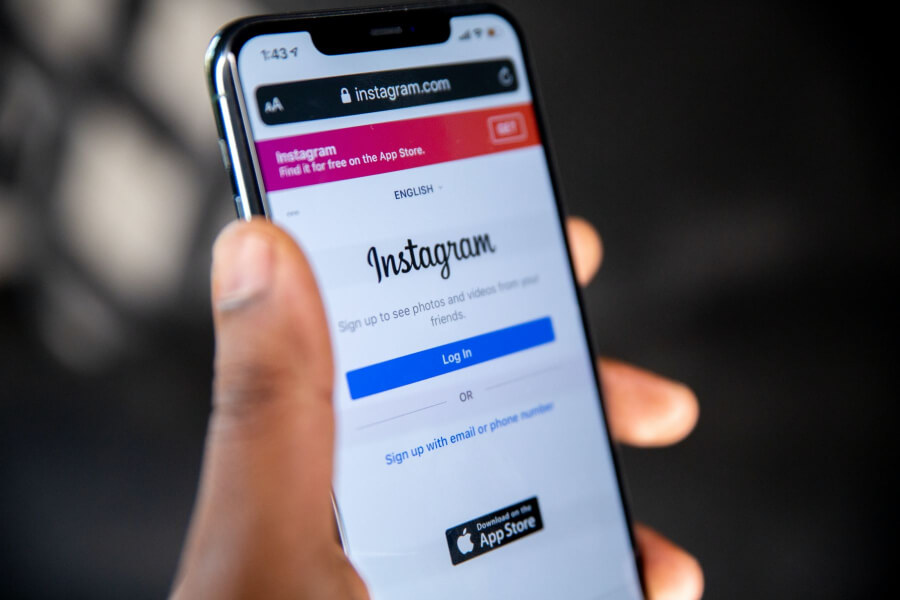
In order to recover your Instagram account with a phone number, you should just visit the Instagram web version or open the app. Instead of typing your login details, just select the option “Forget Password” which is below the link “Log in with Facebook”.
On the next screen that pops up, you’ll see only one field and in it, you’re given the option to type either of three options; you can see it’s pre-set. You can type either Email, Phone Number, or Username.
You have already forgotten your login email, and typing username won’t help because a link will be sent to your email which you might as well don’t have access to.
You then need to type your phone number which is associated with the account and you’ll receive a reset link through this phone number. Type in your phone number and hit the button “Send Login Link”.
A message will now be sent and once you click on that link, you’ll be directed to create a new password. From now on you can use the phone number and the new password to login.
You can also locate your email from account settings and then continue using the email to sign into your Instagram account. You can now access your account easily after receiving the text message.
Second option
Using Facebook login
If you have already linked your Facebook account, you can recover your Instagram account even if you don’t remember your Instagram username, email, or phone number.
Most people however haven’t linked their Facebook account and hence this method isn’t for them.
If you have already linked your Facebook account, this method is the best way to recover Instagram account even if you don’t remember any login detail, provided you have the login details of your Facebook account and it’s connected to Instagram, you’re safe to recover your Instagram account.
This method also doesn’t require any login reset, you’ll directly log into your Instagram account, and from account settings, you can trace your email.
Logging in with Facebook is also simple, once you’re on the login page, you can see the link that says “login with Facebook”, it’s below the username and password fields.
Tapping or clicking on that option will show you fields where you can input Facebook login details. You’ll be prompted to accept permission for Instagram to access your account, just tap continue to proceed. You’ll now be redirected to your Instagram account.
You can now recover your email address so that you can safely log into your account with your email and password.
If you still want, you can continue to use Facebook login whenever you want to sign into your Instagram account. Here is how you can check the email address that’s associated with your Instagram account;
How to view your email using a browser
- Start by clicking on your Avatar icon with your picture from the top right corner.
- Click on the option “Edit Profile”.
- You can now see your email which is used for that particular Instagram account.
- If you want to change this email address you can do so by clicking on Edit. It’s recommended that you change the email address if you don’t have access to it because once the verification code is sent or reset link, you have to log into that email account to check the code or reset the link.
View email with the Instagram app
This is for checking your email by using the app, here are the steps as well;
- Click your profile picture at the bottom of the app.
- Choose the option “Edit profile”.
- You can see email and password fields when you scroll down.
- Check your email address if that’s all you want or click edit if you want to use another email. After editing the email, you’ll be required to verify the new email address you added.
Option three
This is the third option you have, it involves checking your Instagram logins from your PC browser or on your mobile browser. Whenever you logged into Instagram on the browser for the first time, you’ll be asked if you want to save the login for that page, you just need to click yes.
Most of the time we save our login details on the browser and provided you’re logged into your Google account or any account you’re using to save your passwords and other login details, you can always access your login details.
If you’re also using the mobile app, Google will save your login details so that any time you sign into your Google account on any android device, the login details will show up on the login fields of any app.
If you’re syncing your login details on Google, you should first log into your Google account on your browser. If you’re on any Android mobile device, you should sign into your google account from settings.
All your saved data will be available and the moment you open the Instagram app or the web version, you’ll find the email address, username, phone number, and password saved for Instagram accounts, they’ll show up when you click on the login fields.
Even if you have saved multiple logins, they’ll show up so that you can select the one that’s applicable. You can also go to settings and reveal the passwords for any saved website.
Password Manager Apps
There are password manager apps that will help you save login details for any app on your phone. This will however only help if you already have a password manager app installed on your device.
You just need to open the app and you can see the passwords used on apps on the device. If you don’t use password manager apps, you should start using them after you have recovered your account.
I Forgot My Instagram Password And Email, Can I Still Recover My Account
Based on the information shared in this post so far, you can now see that it’s possible to recover your account even if you don’t have access to your email and password.
The best option among them is by selecting the option “log in with Facebook”, but you must have connected your Facebook account, if that’s not an option for you, you then use your phone number to receive a text message from Instagram and then proceed with the steps shown to recover your Instagram account.
Some tips to help you recover your Instagram account
- Connect your Facebook account: even if you have never lost your login details it’s a good practice to always connect a Facebook account, you want to make sure the login details for the Facebook account are different from that of Instagram. This is because if they’re the same if you forget the details for Instagram, you can’t remember that of Facebook either.
- Connect your phone number: Some Instagram users only sign up with their email addresses without adding a phone number, that’s what I did from the beginning for my IG accounts. In most cases, I’ll end up forgetting the email I’ve used and it will take a while before I trace the email used. With your phone number, you can always recover the account when the need arises.
- Save your logins to the browser: All the major browsers I know support saving your login details to Google, once you sign into your Google account on that browser, you have all your login details back and they can be checked from settings. Google Chrome and Firefox support that, every other browser including your mobile device should give you this option.
- Write down or print out login details on paper; It might seem old-fashioned to a lot of people but there comes a time when it will be helpful. Once you save a printed copy and store it in a place where you can always access it, you’ll save a lot of time in recovering your Instagram account and any other important website like online payment service you’re using including PayPal and others.
- Use a password manager on your device: These are very helpful apps because most of them will save your login details online and even if you lost the device, you can always install the app on another device and the moment you sign in, you can recover your saved login details. These apps also directly allow you to go online and check your saved login details if you want.
With these few tips, under any circumstances, you’ll be able to recover your login details and you don’t need to go through any lengthy process of finding login details of any account.
Thank you for reading and don’t forget to let us know if you have recovered your Instagram login or if you need more help regarding the subject of Instagram account recovery when email and password are lost.